Apps
Get the Utalis apps
Approve requests, message your employees and take their calls from your phone or your watch. Utalis Desk lets them work in the apps you allow on your computer.
Utalis
UUTALISnow
Penny needs your approval
Pay Northwind Supplies $1,240.00
DenyApprove
Home

Chief of Staff
Your team is on track
MessageCall
Treasury balance
$4,280.00
$1,215.40 spent this month
6
Employees
1
Waiting for you
11 mo
Runway
3
Unread
HomeTeamInboxApprovalsTreasury
iPhone
iOS 15 or later.
- 1Get TestFlightApp StoreApple's free app for apps before release.
- 2Open the inviteTestFlight installs Utalis from it.
- 3Sign inWith your Utalis account.
Android
Version 2.0.0, 40 MB. Android 7 or later.
- 1Download the appOne file, from utalis.com.
- 2Open itFrom the notification or Downloads.
- 3Allow the installYour phone asks once.
Apple Watch
Included with the iPhone app. watchOS 10 or later.
- 1Install the iPhone appThrough TestFlight, as on the left.
- 2Open the Watch appOn your iPhone, under Available Apps.
- 3Tap InstallIt signs in through your iPhone.
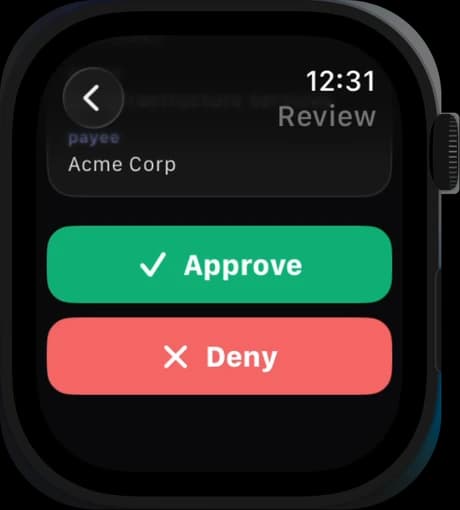
Every app signs in with your Utalis account and shows only what your role in the workspace allows.
Utalis Desk
The desktop app for your computer
Your employees work in the desktop apps you allow on this computer, and nothing else: the rest of the screen is covered, the edges glow while they work, and you can take over at any moment.
macOS 12 or later. Signed and notarized by Apple.
The Utalis app

The Utalis app
What employees may use here
- Browser
- Claude Code
- Codex
Everything else runs in your browser
Hire, approve, message and manage from Chrome, Safari, Edge or Firefox.